
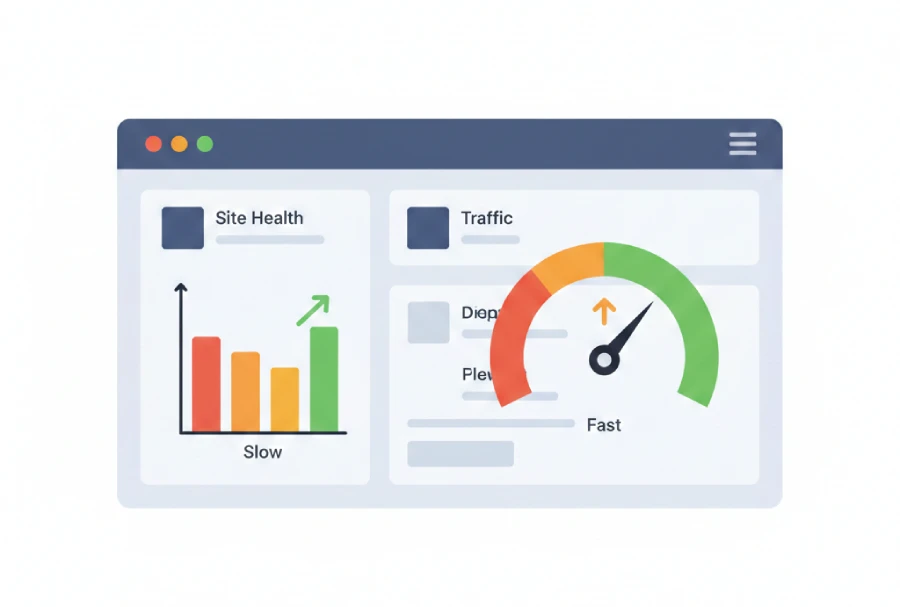
You are already losing visitors, search engine rankings, and possible sales if your WordPress website takes longer than three seconds to load.
User experience, SEO, and conversions are all directly impacted by a slow website, which is more than just a technical problem.
A slow website is not just a technical issue — it’s a website performance problem that directly affects user experience, SEO, and conversions.
This comprehensive guide will teach you:
-
- Why WordPress websites lag
- The most frequent errors made by website owners
- Realistic, workable ways to enhance website performance
Not a theory. No nonsense. only steps that can be taken.
The Real Reason WordPress Website Performance Gets Poor
Most novices believe:
“WordPress moves slowly.”
That is untrue.
WordPress is quick in and of itself.
Incorrect choices, not the platform, are the cause of poor website efficiency.
The Most Typical Causes of Slow WordPress Websites
1. Cheap or subpar hosting The error
using the least expensive shared hosting without verifying the server’s capacity.
The harm
- Page loading slowly
- Regular outages
- Core Web Vitals are poor.
- Google ranking declines
The Solution
- Select hosting that prioritizes performance.
- Make use of the most recent PHP version.
- Make sure the server is situated near your audience.
→ Website performance is based on hosting. Here, don’t make any concessions.
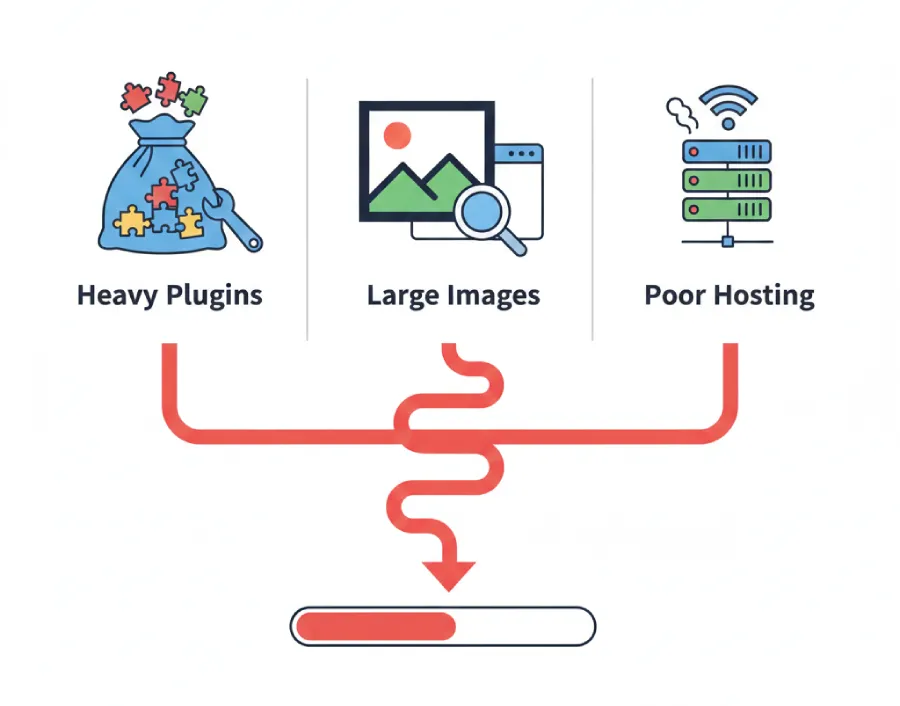
2. Bold Themes That Appear Nice but Don’t Work Well
The Error
utilizing eye-catching themes that are full of animations, sliders, and unnecessary features.
The harm
- Overuse of JavaScript and CSS
- High Time to First Byte (TTFB)
- Poor performance on mobile devices
The Solution
- Use themes that are lightweight and performance-optimized.
- Turn off any unused theme features.
- Steer clear of superfluous animations.
Instead of degrading a website’s performance, good design should enhance it.
3. Too Many or Poorly Coded Plugins
The Mistake
Installing plugins for every small feature.
- The Damage
- Increased server load
- Plugin conflicts
- Slower backend and frontend
The Fix
- Keep only essential plugins
- Remove duplicate-function plugins
- Regularly update and audit plugins
Fewer plugins = better website performance.
4. Silent Website Killers: (Unoptimized Images)
The Error
uploading big photos straight from a camera or mobile device.
The harm
- enormous page size
- Mobile networks load slowly.
- An increased rate of bounce
The Solution
- Before uploading, compress the images.
- Make use of contemporary formats such as WebP
- For SEO, include appropriate ALT text.
Website performance is greatly influenced by images, particularly on mobile devices.
5. No system for caching
The Error
Each page is dynamically served for every visitor.
The harm
- Overloading servers
- Reduced reaction time
- Unsatisfactory user experience
The Solution
- Turn on page caching.
- Make use of browser cache
- If supported, add object caching.
Website performance can be significantly enhanced just by caching.
Seeing is Believing
When it comes to your website’s speed, data beats guesswork every time. To get the real picture:
- Use Testing Tools: Don’t just guess; use tools like Google PageSpeed Insights to see the facts.
- Watch the Big Three: Keep an eye on load time, page size, and the number of requests happening in the background.
- Think Mobile First: Most people visit via phone, so make sure it’s fast on mobile before worrying about desktop.
- Test Everything: Don’t just check the homepage—test your inner pages too, as they often hide the real issues.
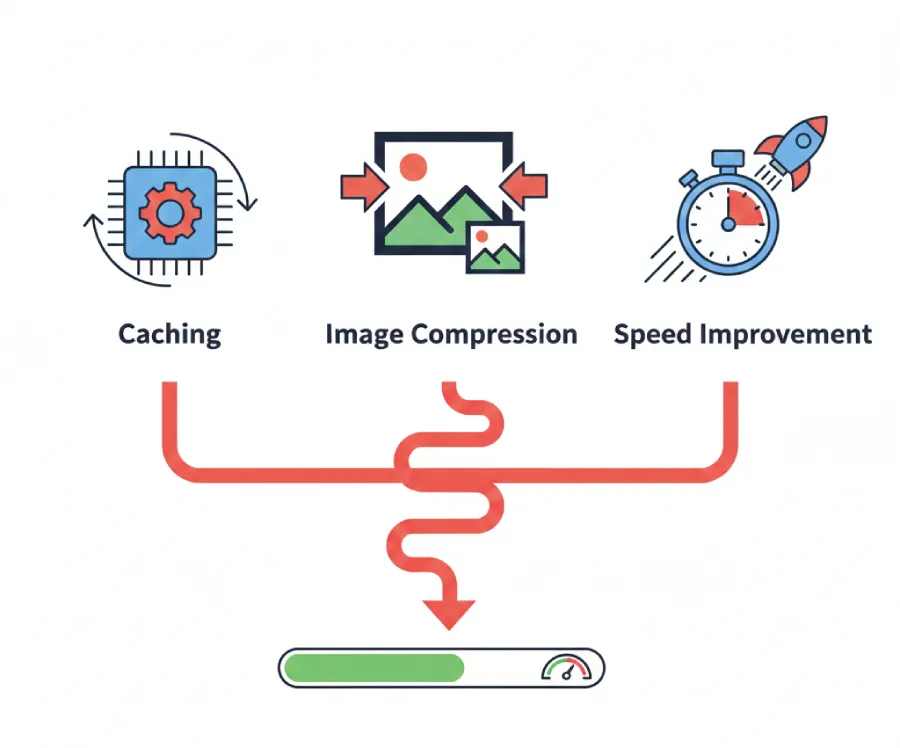
Quick Website Performance Improvement Checklist
Use this as a quick reference:
✔ Upgrade hosting if needed
✔ Use a lightweight theme
✔ Remove unnecessary plugins
✔ Compress and optimize images
✔ Enable caching
✔ Perform regular maintenance
Bookmark this checklist — it works.
Questions I Was Afraid to Ask (But You Might Have)
Is WordPress slow by default?
No. Poor configuration causes slow website performance.
Can free plugins hurt website performance?
Yes, if they are poorly coded or outdated.
Will changing hosting break my site?
Not if done properly with backup and staging.
Is technical knowledge required?
Basic improvements can be done by beginners, advanced ones need expertise.
When DIY Fixes Are Not Enough
If you’ve tried everything and your website is still slow, the issue is usually deeper:
- Server-level misconfiguration
- Database optimization issues
- Code-level inefficiencies
At this stage, professional optimization saves time, money, and frustration.
Final Thoughts: Website Performance Is Not Optional
- A fast website means:
- Better user experience
- Higher Google rankings
- More leads and conversions
Ignoring website performance is one of the most expensive mistakes a website owner can make.
Fix it early. Fix it properly.